
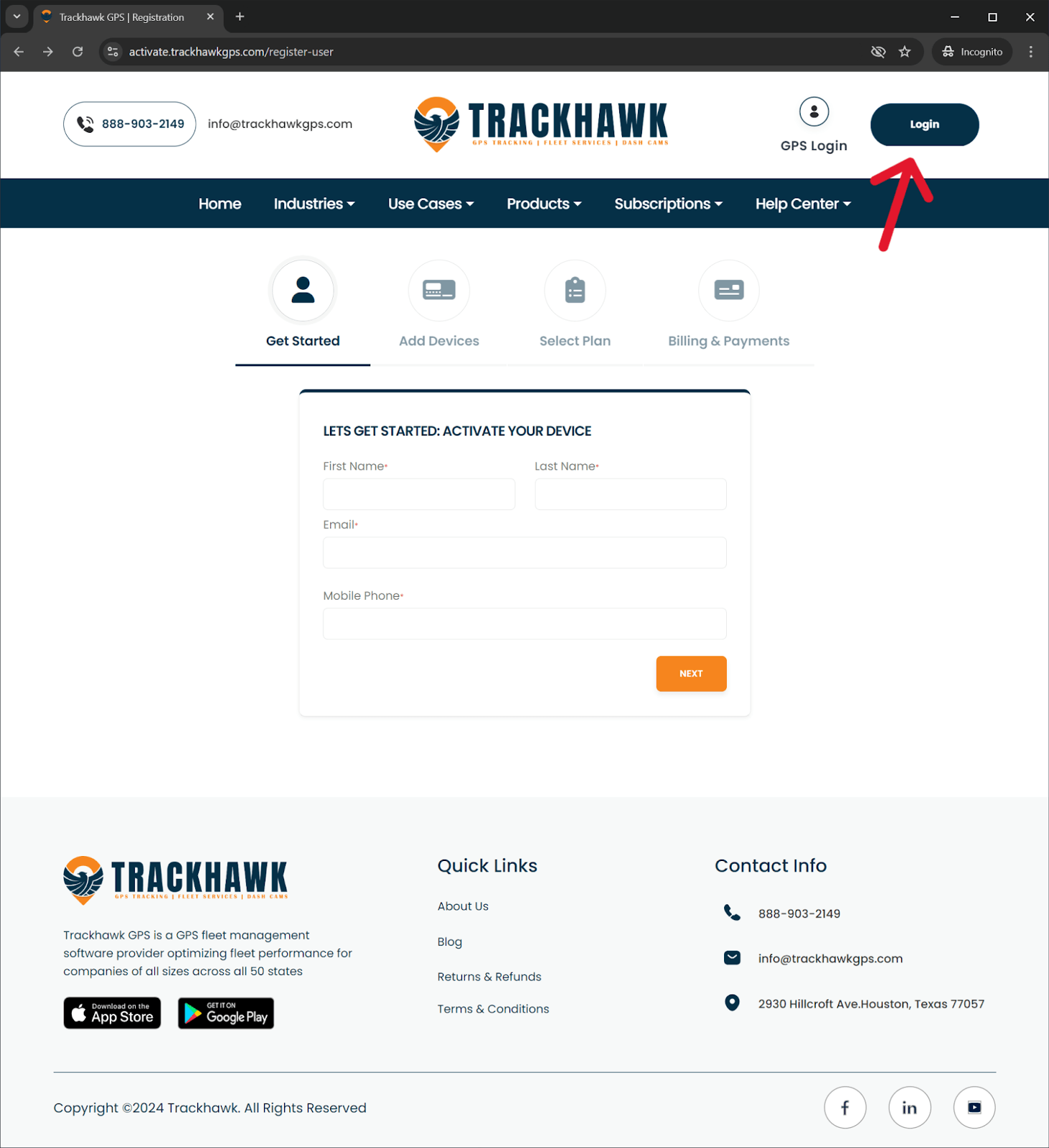
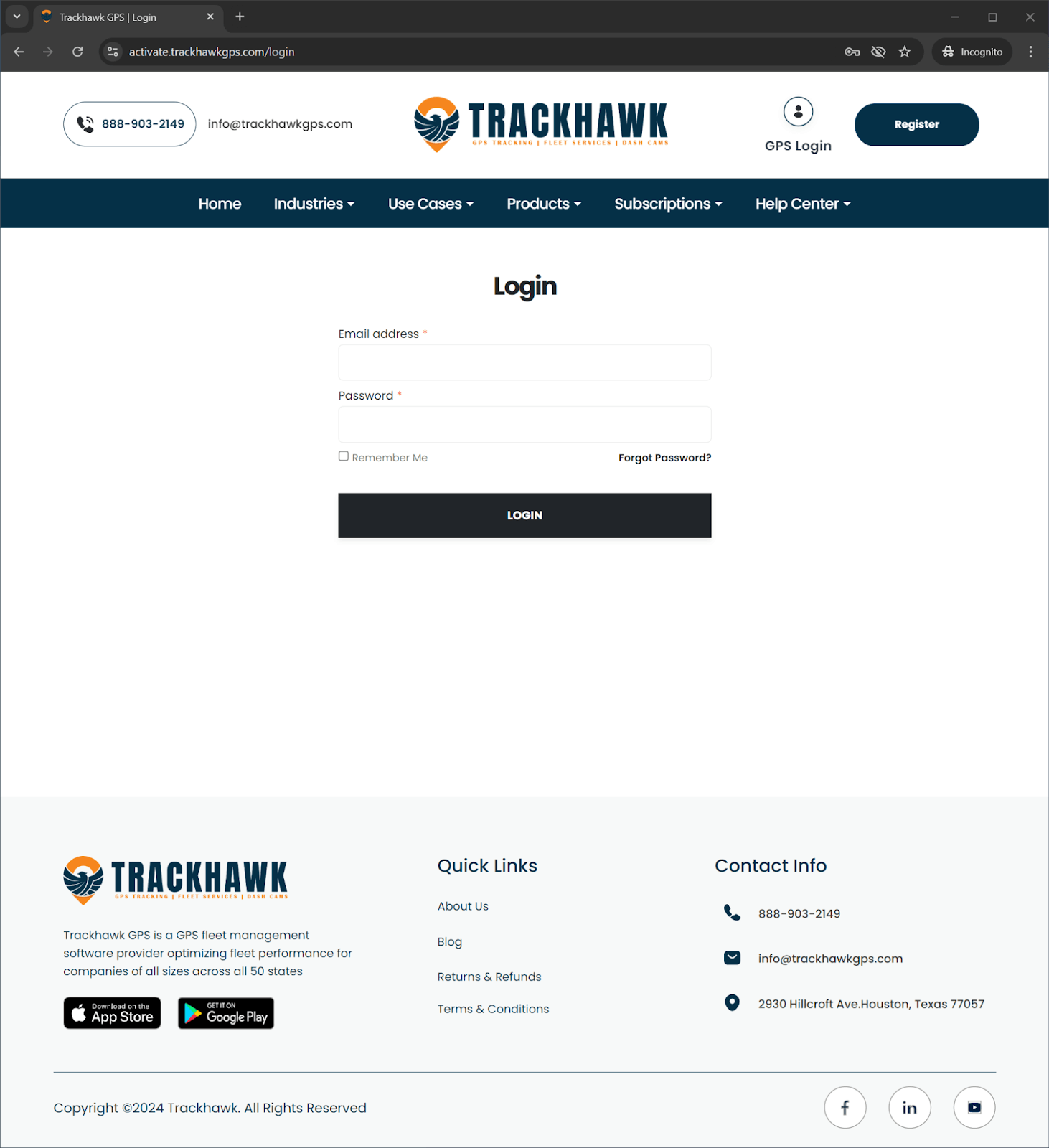
- To add a device to your account you must first login to our activation portal .
* The login to our activation portal is separate from the login to your GPS account, if you have never logged in to the activation portal before, check your email for the Trackhawk GPS Login Credentials email you would have received upon activating your first device.
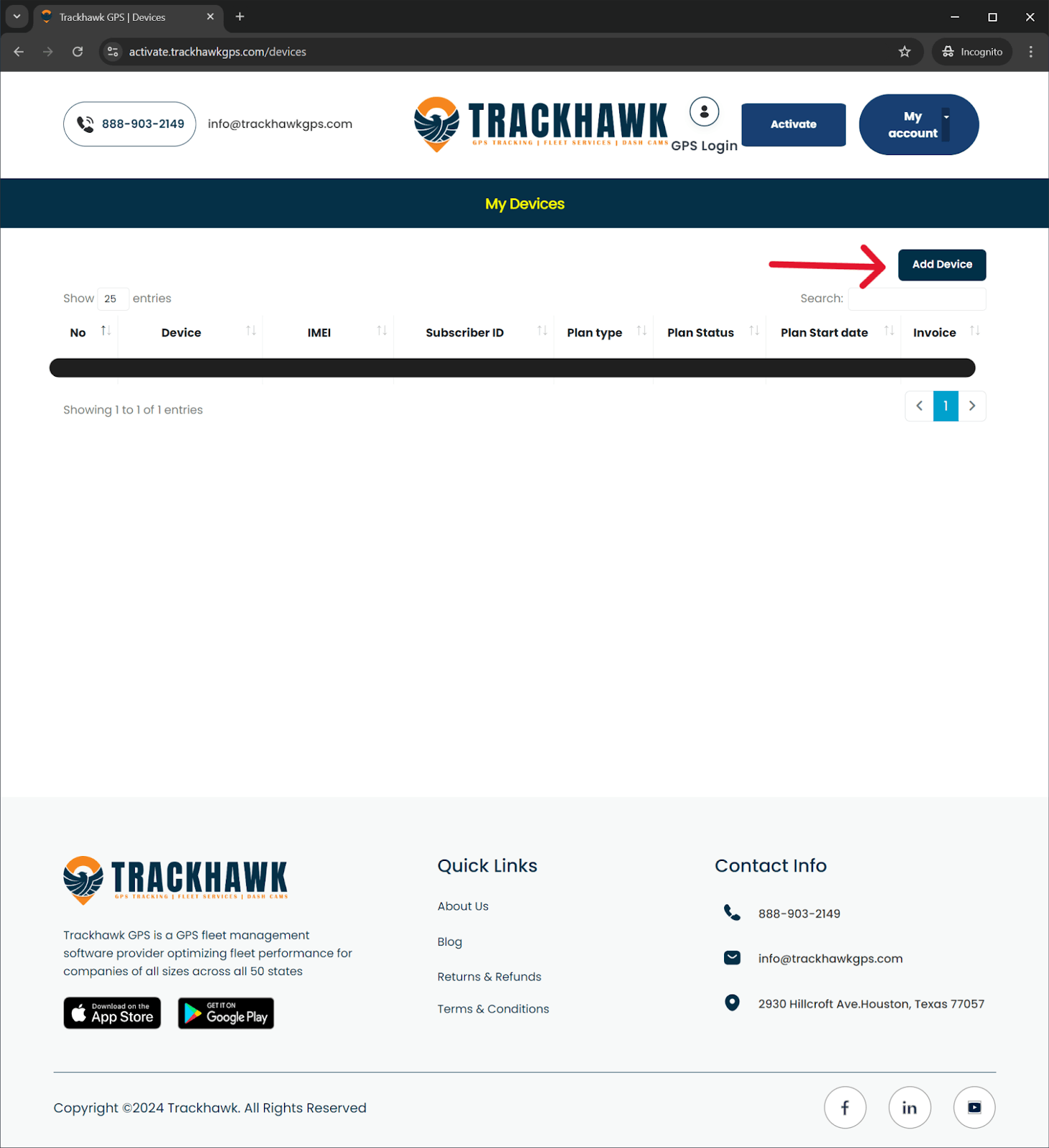
- Once you are logged in, click the add device button on the right hand side.
- Enter the IMEI of your device and subscribe to your plan of choice.
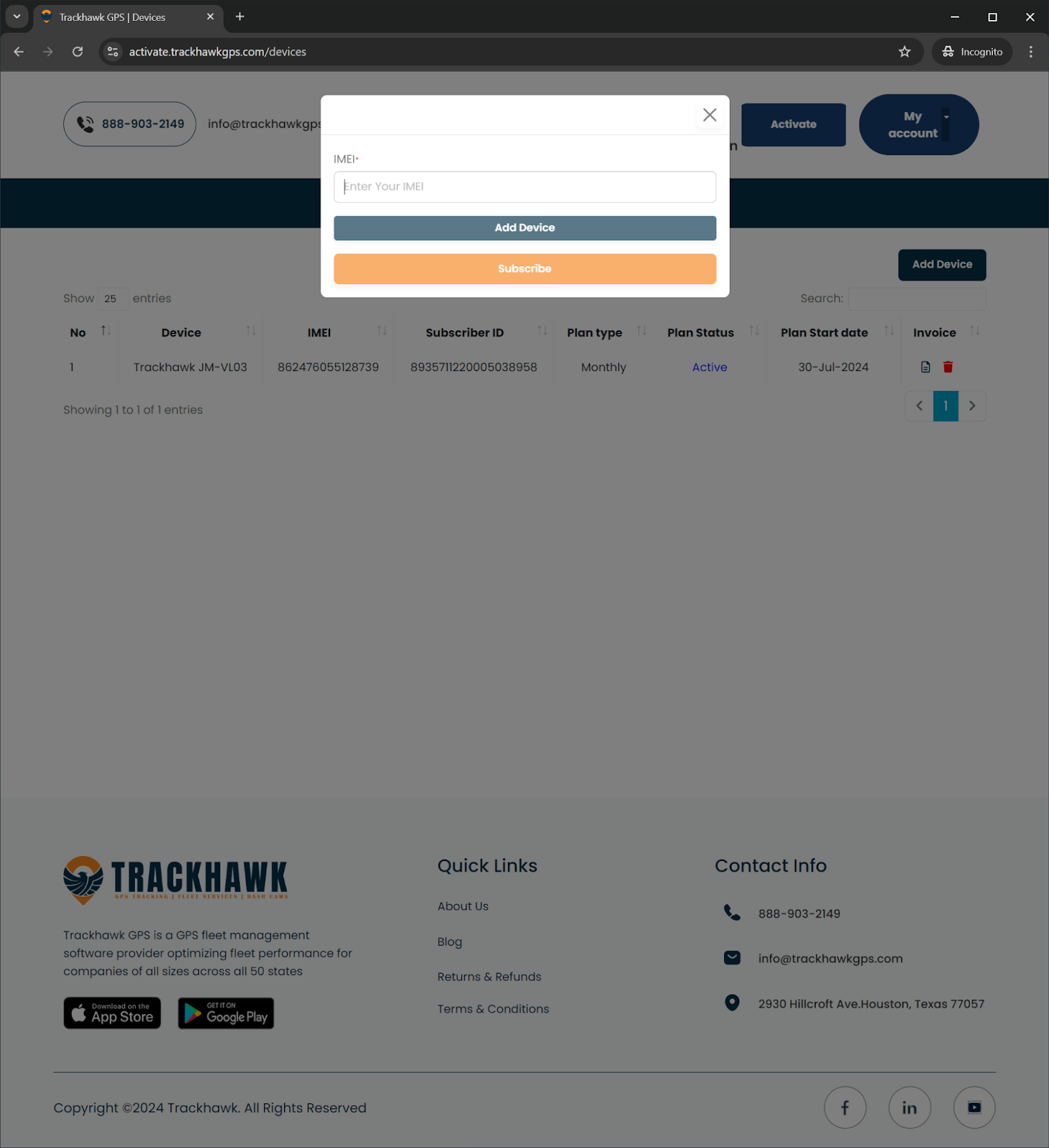
- Congratulations! You have successfully added your device.