
The main element of the web interface is the header menu, see below for your reference.
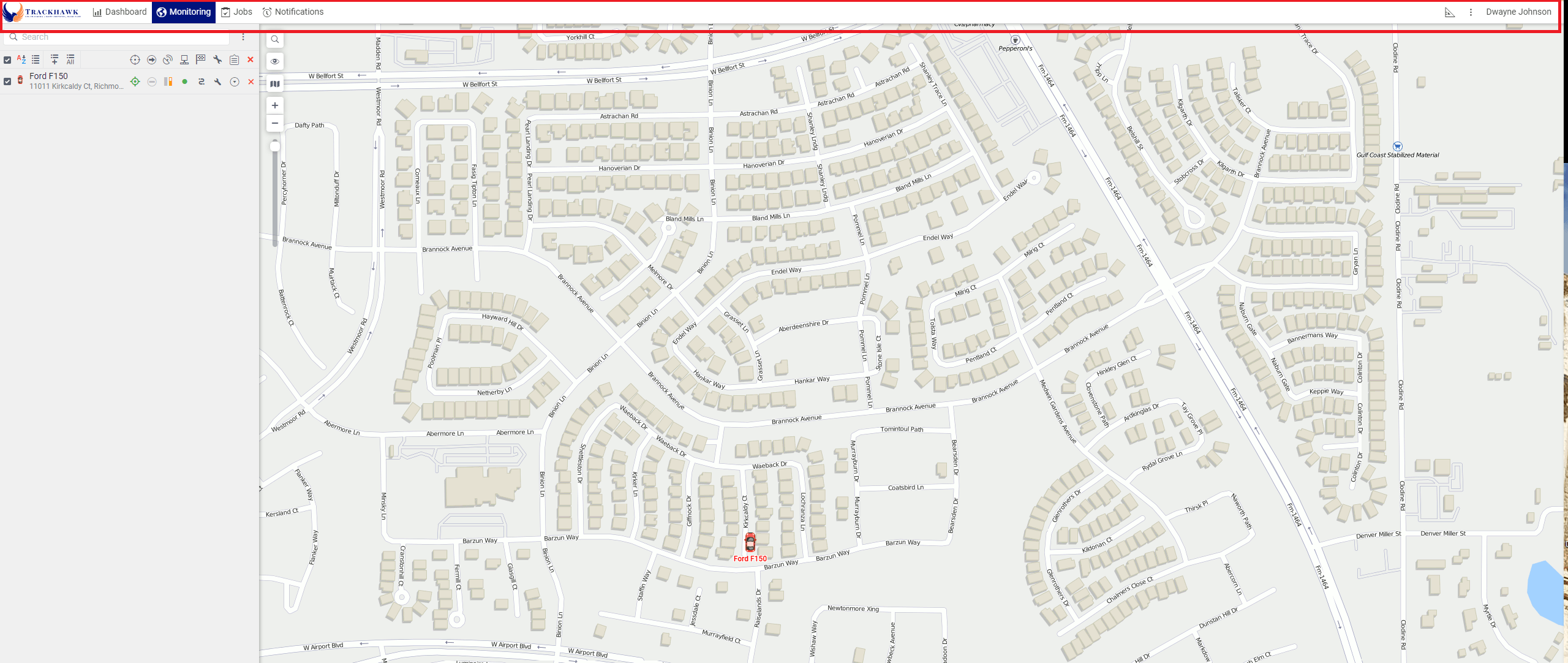
The top panel displays the tabs that are selected from those available in the menu which opens when you click on the button  .
.
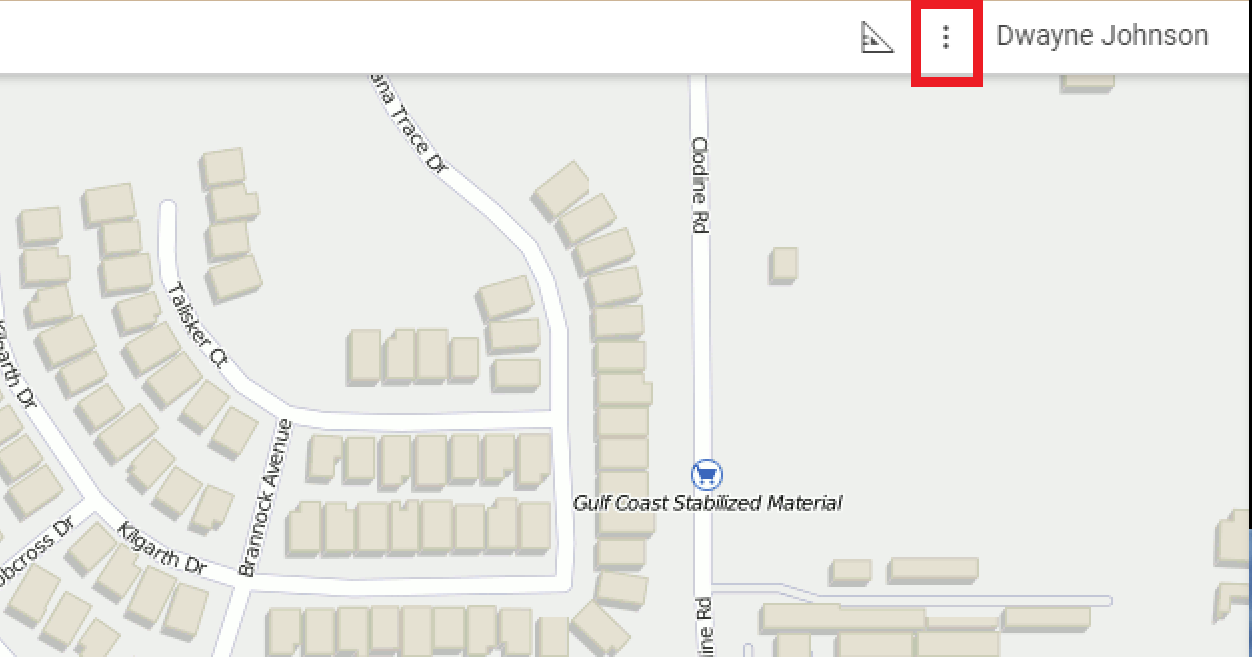
Once you have clicked the , you can select the functions of the web interface that apply to your use.
If you need additional help, please do not hestitate to reach out to us by calling our support at 888-903-2149 or emailing us at support@trackhawkgps.com.