
- Visit https://activate.trackhawkgps.com/login
- Login using the credentials that were sent to your email when you activated your device
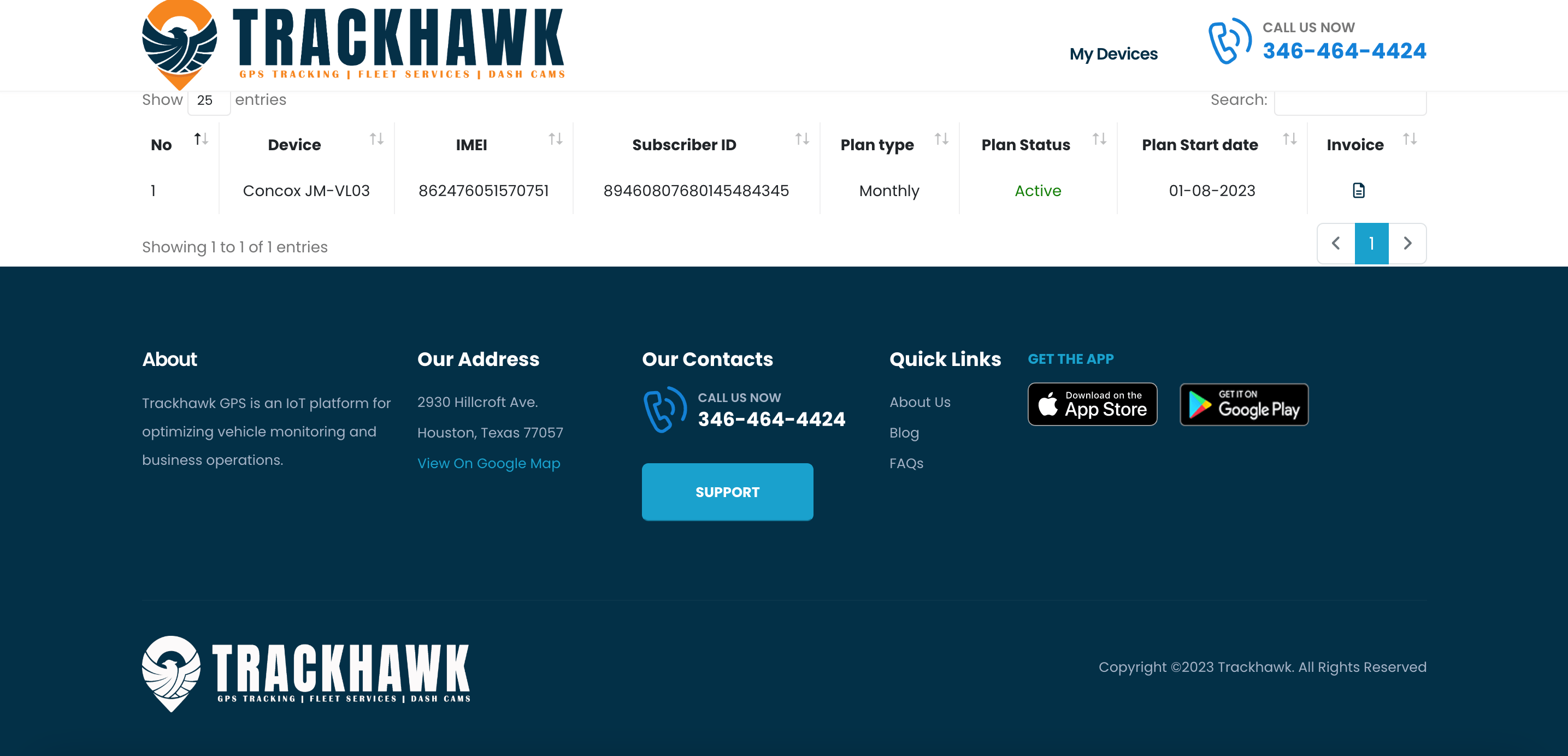
- On this screen you will see the active devices you have and how they are billed.
- Adding new devices will fall in this screen.
If you need additional help, please do not hestitate to reach out to us by calling our support at 888-903-2149 or emailing us at support@trackhawkgps.com.