- Visit activate.trackhawkgps.com and enter the necessary information under the getting started section
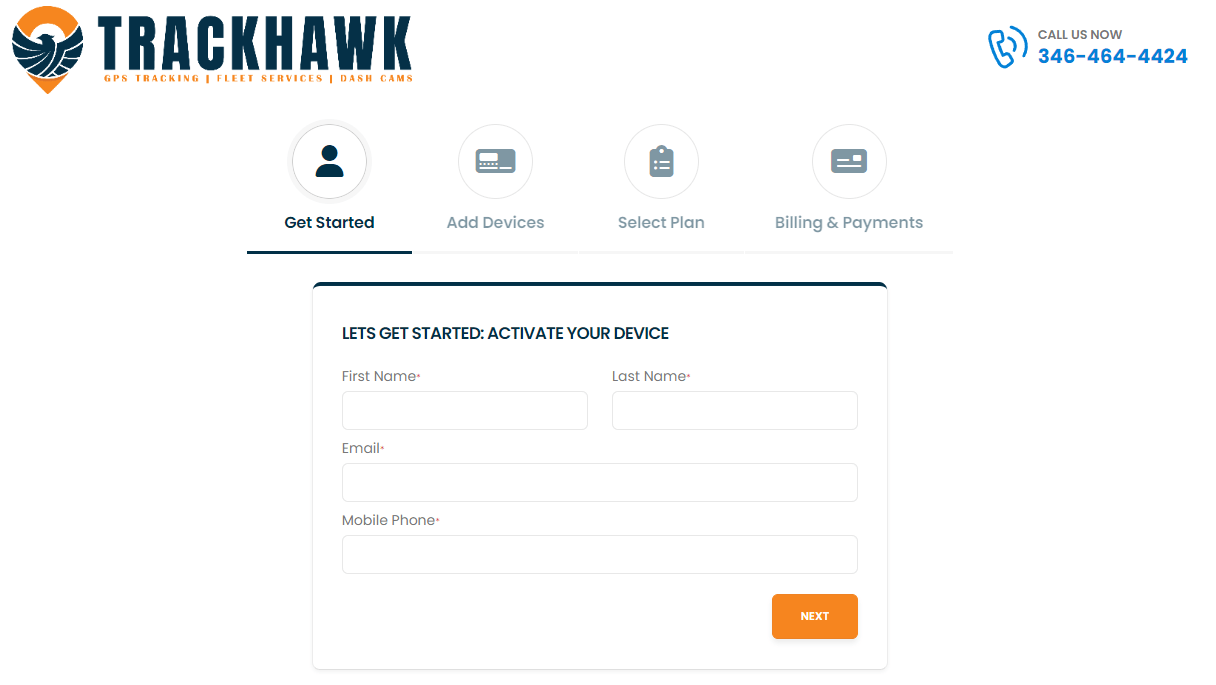
- Click Next and add your device IMEI.
- Each device has an IMEI sticker on the side of the box. It is a unique identifier that lets us know which tracker you are using.
- Select the billing plan you would like to proceed with
- We have flexible monthly plans as well as yearly plans
- Once you have selected your billing plan and added your credit card information, the activation process is finalized.
- Check the inbox of the email you provided in step 1. You will receive your login credentials there.
- Download the app:
- Gain access to your vehicles battery.
- Gently loosen both terminal ports.
- Connect the Trackers red wire to the red terminal and screw the bolt for positive back in.
- Connect the trackers black wire to the black terminal and screw the bolt for the negative back in.
- Red lights on the tracker should begin blinking.
- Mounting your GPS Tracker
- Use the tape that was supplied with the GPS tracker and find a secure location to stick it with the Trackhawk GPS label pointed up.
- Take your vehicle for a 20-30 minute drive while it gets on the network.
- BEGIN TRACKING!
English
