
Before tracking your vehicle you must activate your Trackhawk GPS device.
Please visit the activation portal to do so: activate.trackhawkgps.com
You must first download the app to begin tracking. You can find the links to the mobile application in the following support article: Download Trackhawk GPS Mobile App
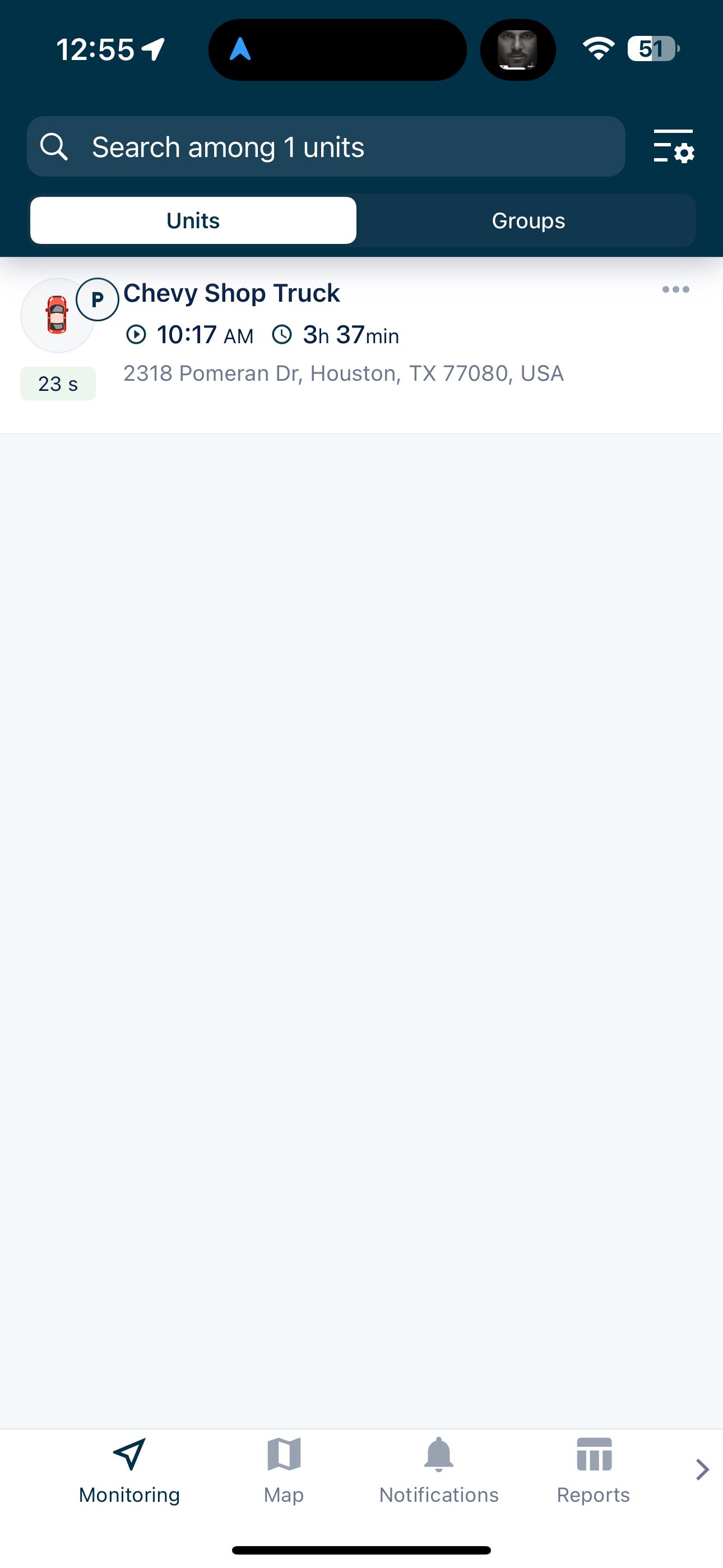
Your activated GPS Tracking device will appear on the home page of the application like the following screenshot:
If you need additional help, please do not hestitate to reach out to us by calling our support at 888-903-2149 or emailing us at support@trackhawkgps.com.